Hybrid Restaurant POS Software That Keeps Billing Running Offline.
Continue restaurant billing and supported local operations during temporary internet interruptions. When connectivity returns, supported transaction data synchronizes with the cloud.
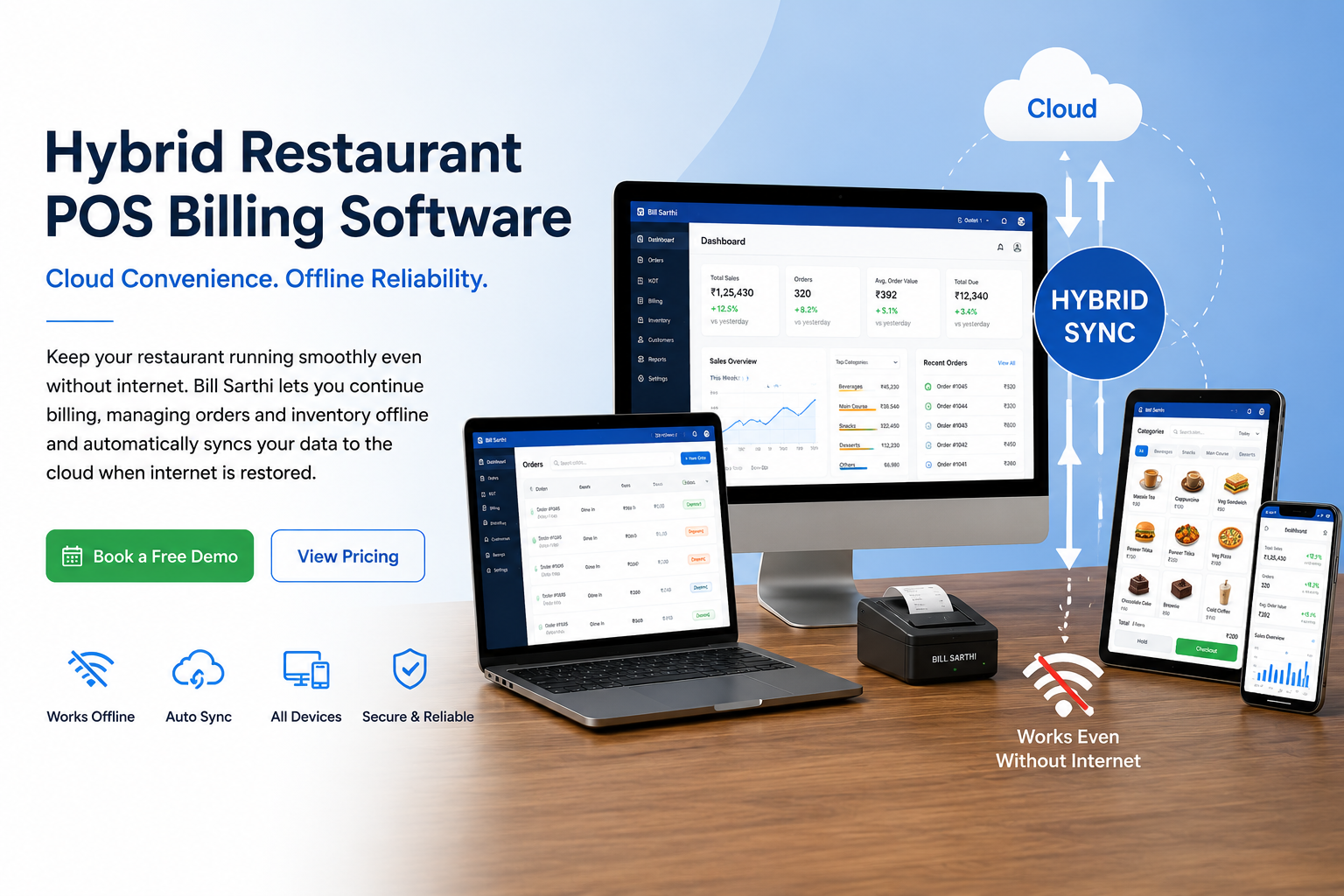
Bill Sarthi combines offline reliability with cloud access for billing, kitchen order tickets, tables, inventory, payments and restaurant reports.
What Is Hybrid Restaurant POS Software?
Hybrid restaurant POS software combines local offline operations with cloud synchronization. During a temporary internet outage, configured restaurant functions can continue on the supported local setup.
When internet connectivity returns, supported offline transactions synchronize with the cloud, allowing owners and managers to review updated restaurant reports and business information remotely.
This approach gives restaurants the reliability of an offline POS together with the accessibility, backup and reporting benefits of a cloud POS.
What Happens When Your Restaurant Internet Goes Down?
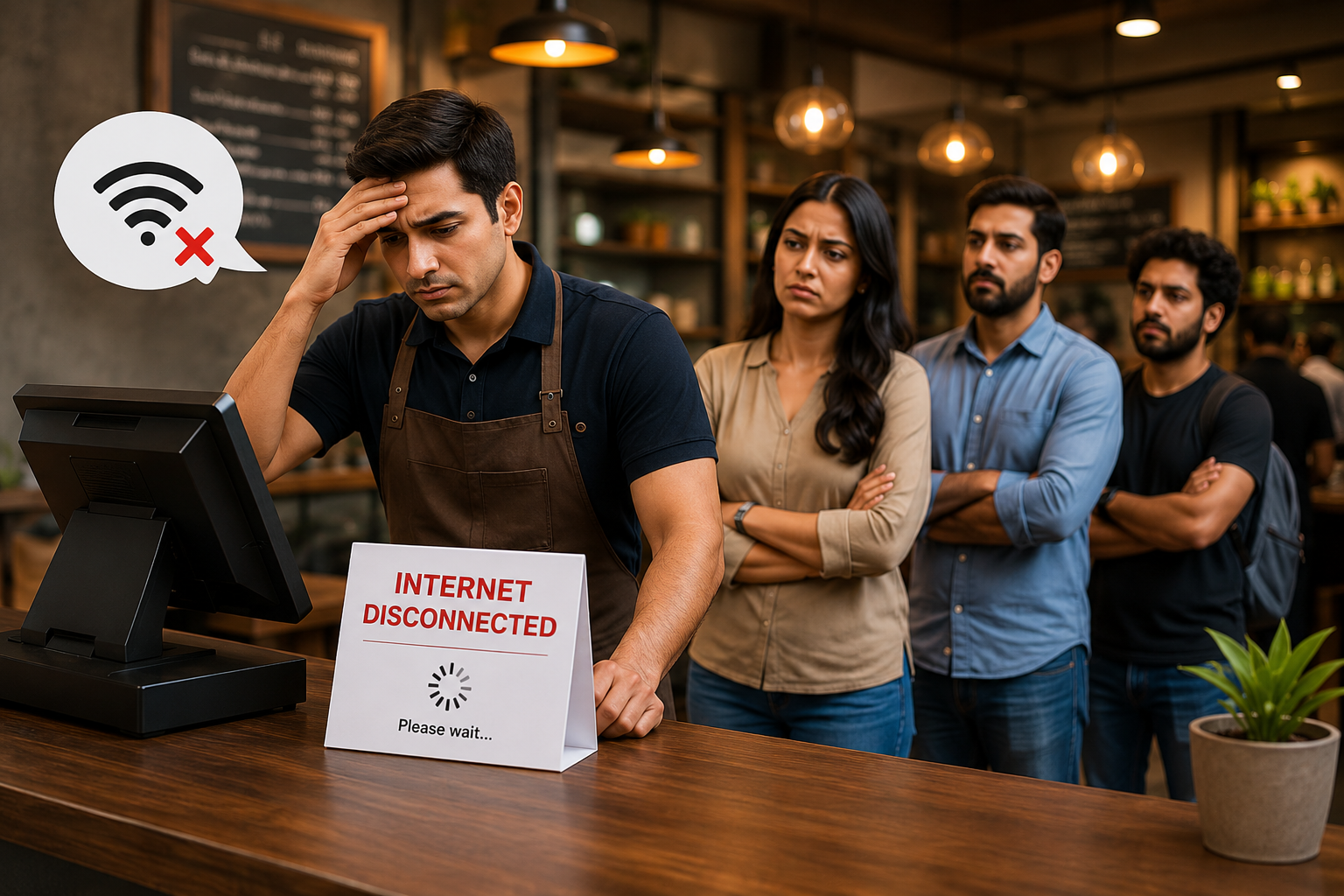
During lunch or dinner rush, even a short connectivity problem can create billing queues, delayed kitchen orders, staff confusion and incomplete sales records.
Cloud-Only Risk
- Billing may be interrupted
- Kitchen communication can slow down
- Staff may switch to manual notes
- Orders can become difficult to reconcile
- Customer waiting time can increase
Hybrid POS Approach
- Configured offline billing can continue
- Local KOT workflows can remain available
- Cash payments can be recorded locally
- Supported data synchronizes later
- Cloud reports update after synchronization
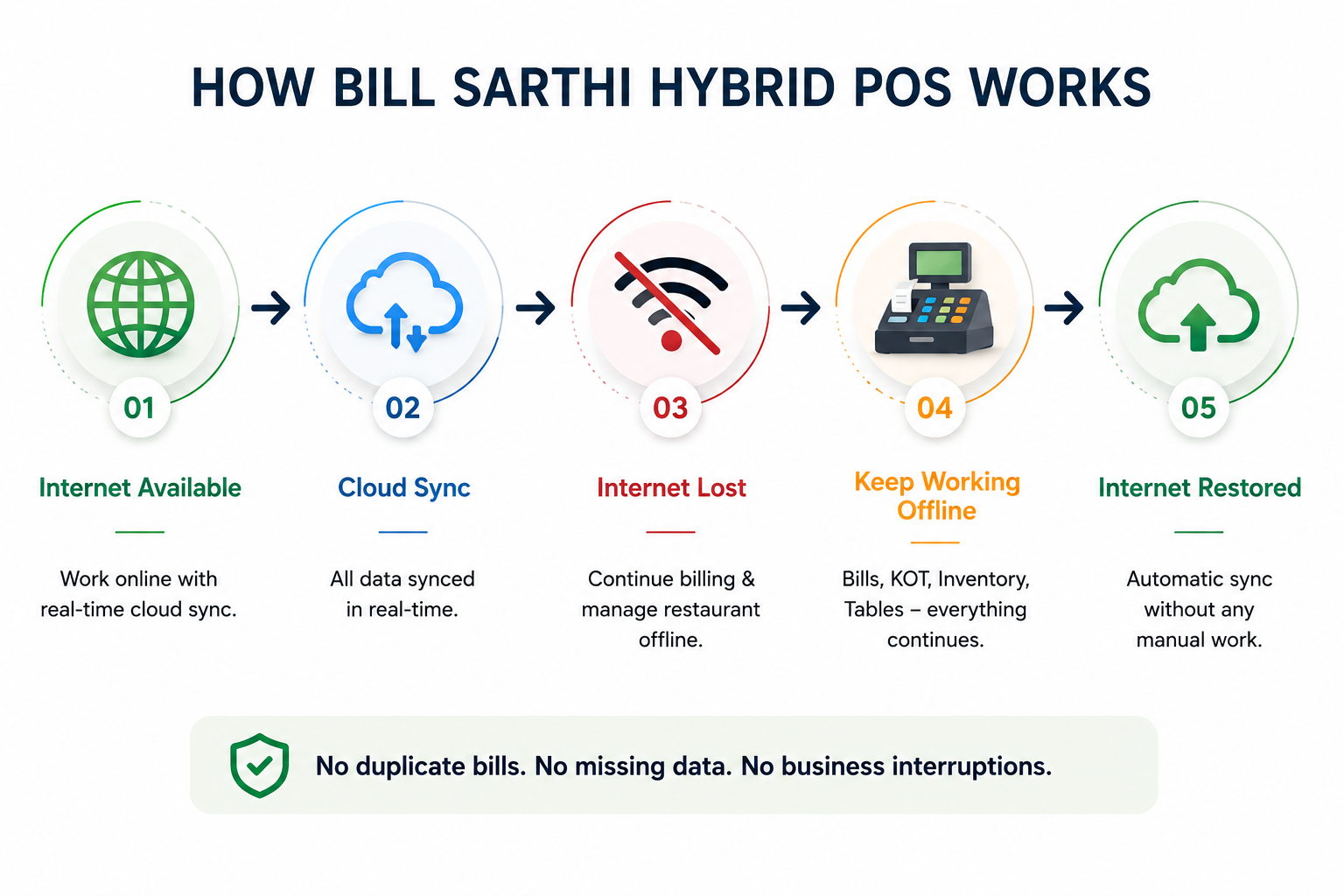
Cloud POS Provides Access. Offline POS Provides Reliability. Hybrid POS Combines Both.
A cloud-only restaurant POS depends heavily on internet connectivity. A fully offline POS may provide local stability but can limit remote reporting, cloud backup and multi-location visibility.
Bill Sarthi Hybrid POS is designed for restaurants that need service continuity at the counter without giving up cloud-based reports and remote business access.
How Bill Sarthi Hybrid POS Works
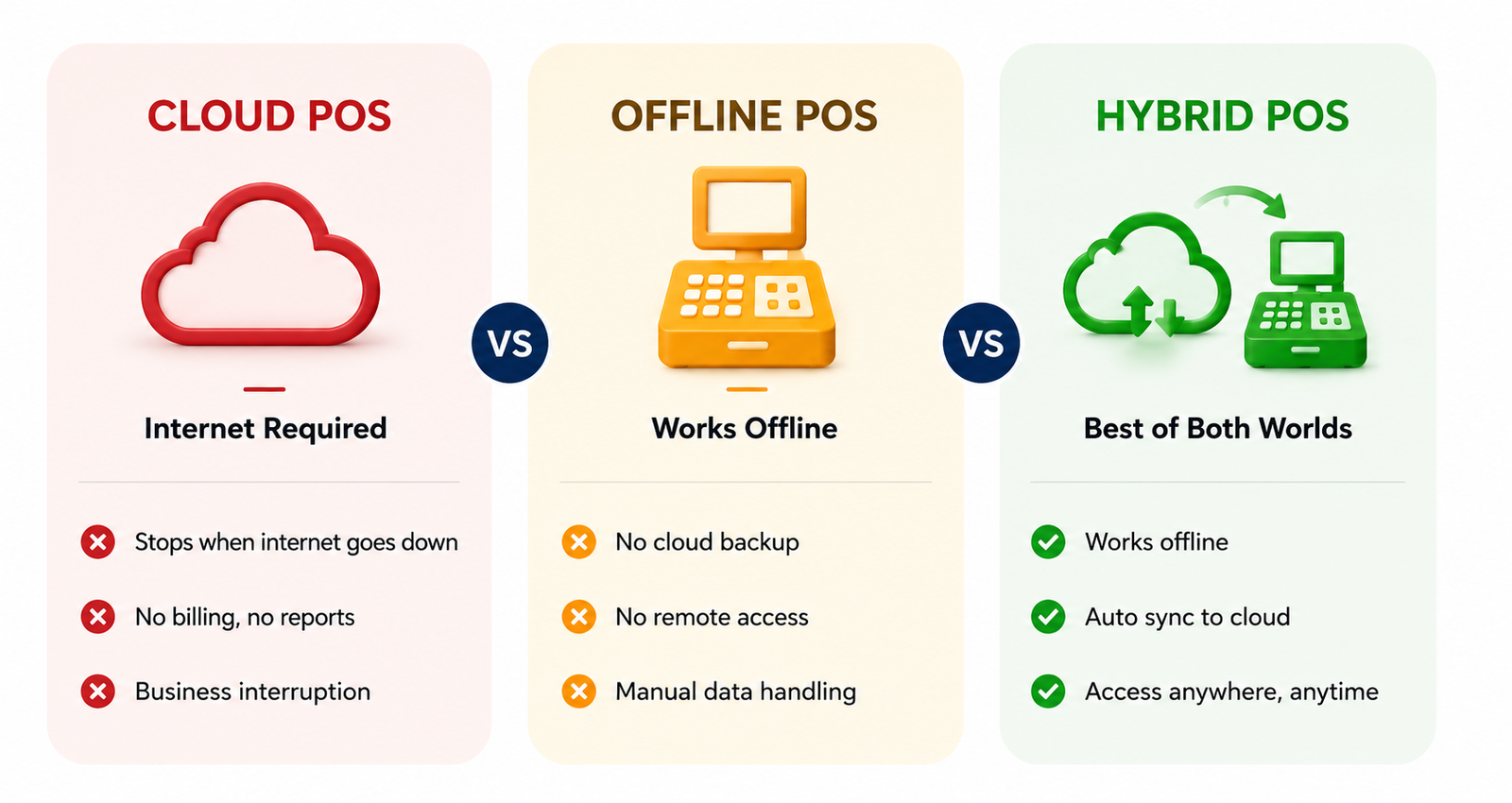
Restaurant activity is recorded through the configured setup. If internet connectivity is interrupted, supported operations continue locally. When connectivity returns, pending supported data synchronizes with the cloud.
What Can Continue When the Internet Is Unavailable?
Offline functionality depends on the installed application, local device, printer and restaurant configuration. This table explains the expected workflow for a properly configured hybrid setup.
| Restaurant Operation | During Internet Outage | After Internet Returns |
|---|---|---|
| Customer billing | Can continue on the configured offline-capable device | Supported transactions synchronize with the cloud |
| Dine-in orders | Can continue where table operations are configured locally | Updated order records synchronize |
| KOT printing | Can continue with a supported local printer setup | Order records update in cloud reports |
| Table management | Available according to the configured offline setup | Supported table changes synchronize |
| Cash payments | Can be recorded locally | Payment records synchronize |
| Online card payments | Depend on the payment provider and network connection | Normal online payment processing resumes |
| Remote owner reports | May not show the latest offline activity | Latest synchronized activity becomes available |
| Cloud backup | Temporarily paused while offline | Resumes after synchronization |
Everything Your Restaurant Needs in One Hybrid POS
Manage daily restaurant operations without switching between separate billing, kitchen, inventory and reporting applications.
Fast Billing
Create itemized, tax-ready restaurant bills and reduce customer waiting time.
KOT Management
Send clear kitchen order tickets and reduce verbal order communication.
Table Management
Manage dine-in orders, split bills, merge tables and transfer orders.
Inventory
Track stock movement, restaurant items and configured consumption records.
Payment Records
Record cash, card, digital and mobile payment methods against each bill.
Business Reports
Review sales, payment, tax, item and restaurant performance reports.
Staff Access
Assign employee roles and maintain clearer cashier accountability.
Customer Records
Save customer information and review available order history.
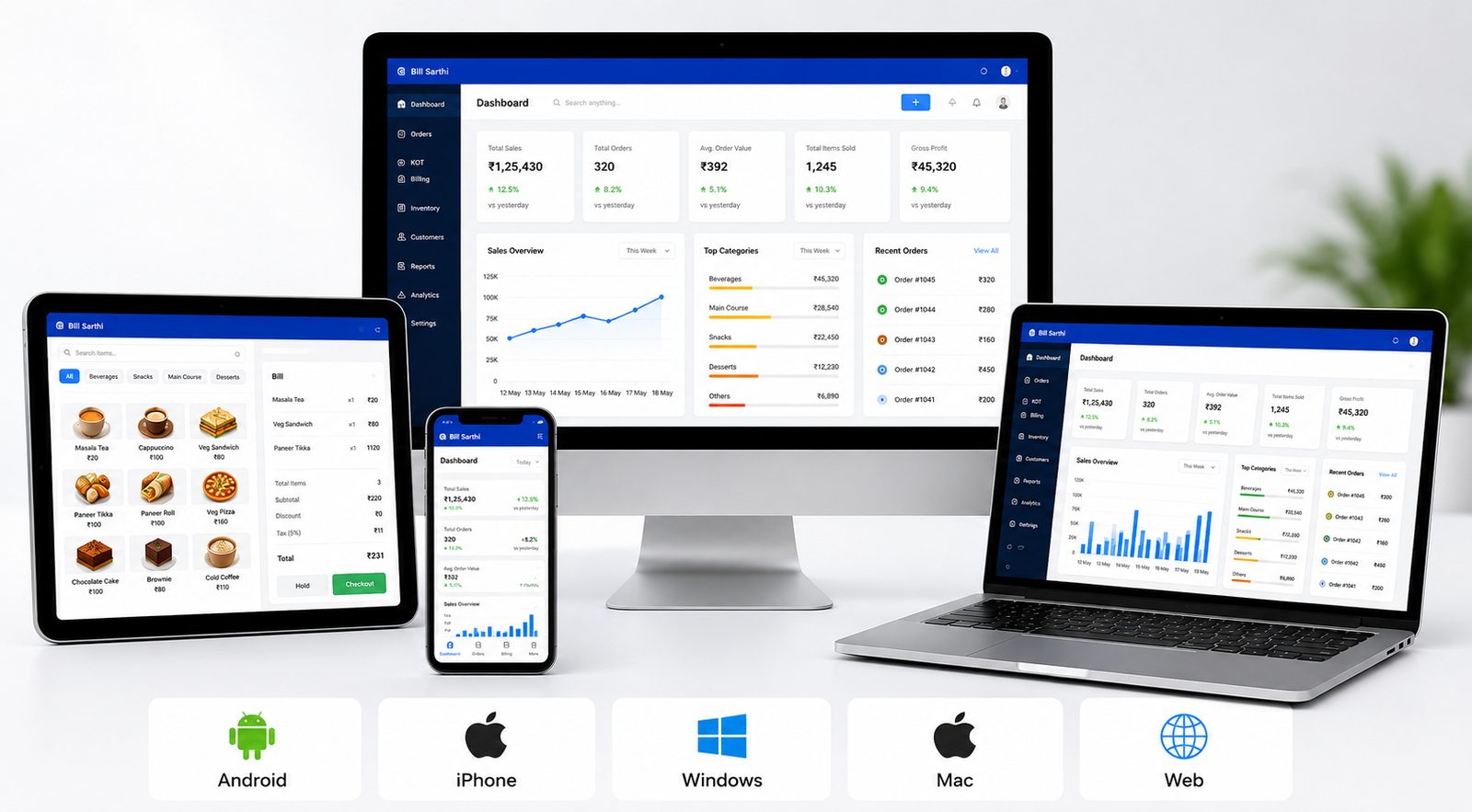
Use Bill Sarthi Across the Devices Your Team Prefers
Owners can review restaurant reports, managers can monitor operations and cashiers can bill using the supported device and application appropriate for their workflow.
- Android phones and tablets
- iPhone and iPad
- Windows desktop and laptop
- Mac and browser-based access
- Role-based access for restaurant employees
Cloud-Only vs Offline-Only vs Hybrid Restaurant POS
Compare each POS approach based on billing continuity, remote access, cloud reporting and multi-location restaurant management.
| Requirement | Cloud-Only POS | Offline-Only POS | Bill Sarthi Hybrid POS |
|---|---|---|---|
| Billing during internet outage | May be interrupted | Continues locally | Continues in supported setup |
| Remote owner access | Available online | Usually limited | Available through cloud access |
| Automatic cloud synchronization | Cloud-native | Usually unavailable | Supported after reconnection |
| Local printer workflow | Setup dependent | Commonly supported | Supported with configuration |
| Cloud backup | Available | Limited or manual | Available after synchronization |
| Multi-location visibility | Available | Usually limited | Available through cloud reporting |
| Best suited for | Businesses with reliable internet | Local counters needing only offline use | Restaurants needing continuity and remote access |
Understand Your Offline Setup Before Going Live
A hybrid POS needs the correct application, device, printer and network configuration. Restaurants should test the complete outage and synchronization workflow before using it during live service.
- Confirm which device will perform offline billing
- Test local receipt and KOT printers
- Check which functions require internet
- Test reconnection and data synchronization
- Verify staff login and device permissions
- Confirm payment provider connectivity requirements
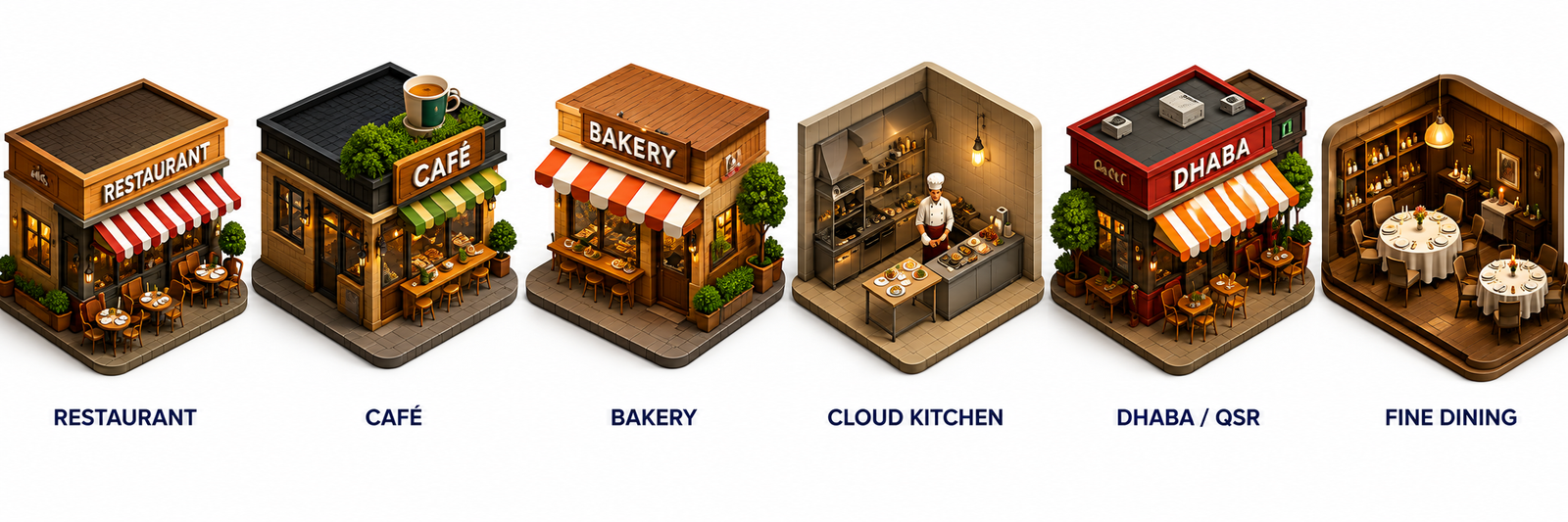
Hybrid POS for Restaurants, Cafés, QSRs and Cloud Kitchens
Bill Sarthi can support independent restaurants, cafés, bakeries, quick-service restaurants, cloud kitchens, food trucks, fine-dining businesses and multi-location restaurant groups.
- Dine-in restaurants
- Cafés and coffee shops
- Bakeries and counter-service businesses
- Quick-service restaurants
- Cloud kitchens and delivery-focused operations
- Multi-location restaurant businesses
Offline Restaurant POS Billing Software · Cloud Kitchen POS Software · Multi-Outlet POS Software · Pricing Plans
Frequently Asked Questions About Hybrid Restaurant POS Software
Answers for restaurant owners comparing cloud, offline and hybrid POS systems.
What is hybrid restaurant POS software?
How does offline billing and cloud synchronization work?
Can Bill Sarthi work without internet?
Can restaurant billing continue during an internet outage?
Can KOT printing continue without internet?
Will restaurant data synchronize automatically?
Can owners view live reports during an internet outage?
Do card payments work when internet is unavailable?
Which devices does Bill Sarthi support?
Is hybrid POS suitable for multiple restaurant locations?
Is hybrid POS better than cloud-only POS?
Does hybrid restaurant POS require a local server?
Keep Your Restaurant Running During Internet Interruptions
Use Bill Sarthi Hybrid Restaurant POS to combine offline billing continuity, kitchen operations and cloud-based restaurant reporting.