Do you need a Cafe & Coffee Shop POS built for rush-hour speed?
Fast billing • GST invoices • Inventory • Offline mode • Multi-outlet control
Support: support@billsarthi.com • Phone: 9988777409
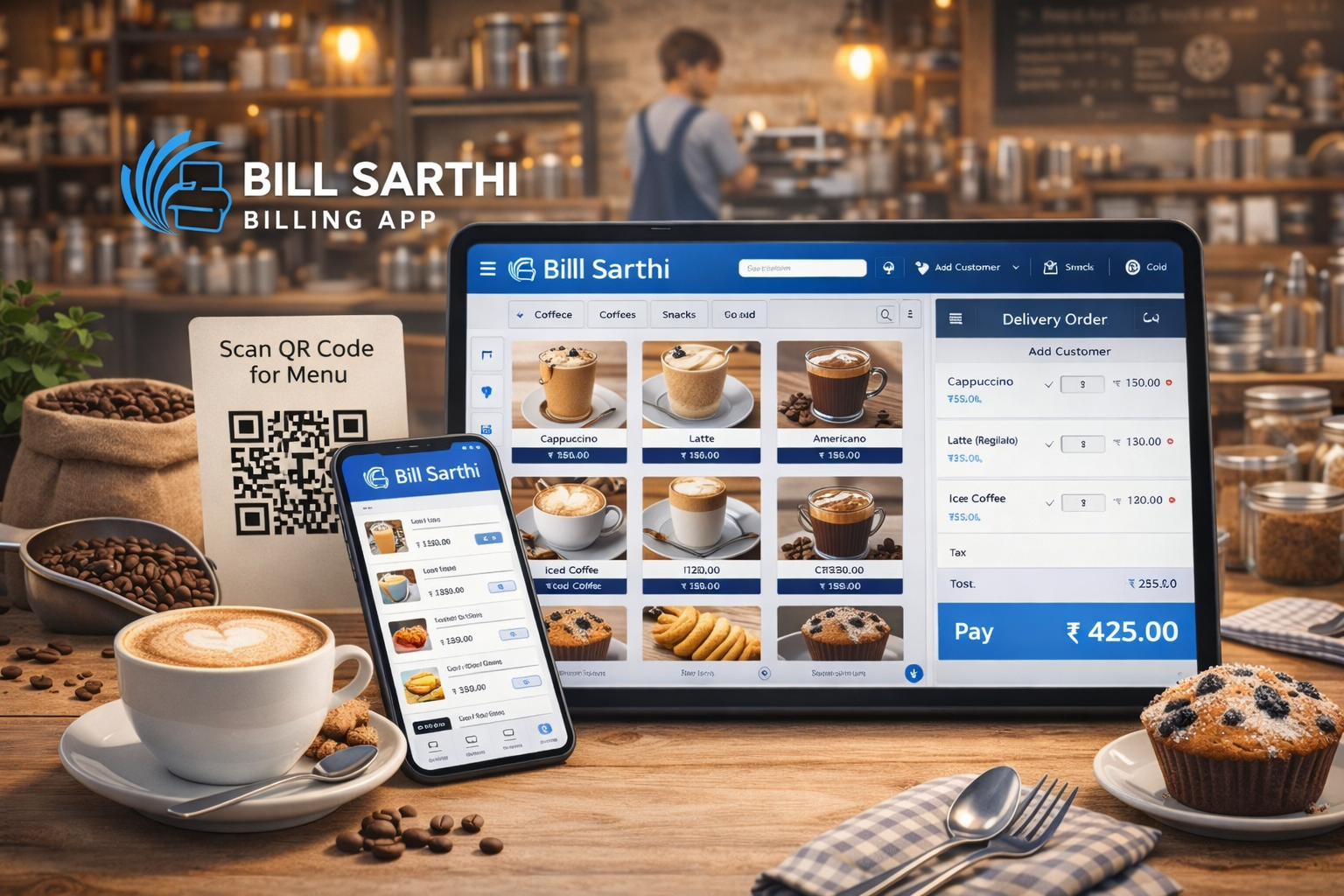
Why do cafe owners struggle during rush hours?
Most cafe operational issues come from slow checkout, manual errors, and no clear inventory + reporting routine.
Queues build up when billing has too many steps.
- Faster checkout routine
- Standard payment selection
- Less cashier confusion
Wrong item or wrong price creates customer friction.
- Cleaner checkout flow
- GST-ready invoices
- More consistent closing
Stock-outs lead to “item unavailable” moments mid-shift.
- Stock tracking for ingredients
- Low inventory visibility
- Better planning for busy days
How to start cafe billing in a clean workflow (4 steps)
Now the grid always looks perfect: 4 steps, no blank card space.
Add categories, items and prices. Keep names clean for faster billing.
Standardize checkout: Cash / UPI / Card selection with fewer steps.
Follow a simple printing flow so staff doesn’t get stuck in rush hour.
Use daily closing + reports so owners see performance without manual work.
Which cafe POS features actually matter daily?
These are the features that directly impact speed, accuracy, and day closing.
Serve more customers quickly with fewer steps per bill.
Create GST invoices and cleaner summaries for reporting.
Track ingredients/stock and reduce last-minute stock-outs.
Keep billing running during internet issues (setup dependent).
Daily & monthly insights for owners.
Central control for multiple cafe branches.
What benefits will you notice immediately?
Pricing plans
This slider fetches plan names and pricing from /pricing-plans/. If the page structure changes, a fallback set will show.
Bill Sarthi vs traditional POS machines
This comparison keeps decision-making simple and scan-friendly.
| Criteria | Bill Sarthi | Traditional POS |
|---|---|---|
| Setup | Quick start on mobile/Web | Often longer setup cycles |
| Device flexibility | Web + Android + iOS | Often hardware-dependent |
| Offline readiness | Offline billing (setup dependent) | Varies by system |
| Owner reporting | Daily/monthly reports | Depends on model/plan |
Why do cafes trust Bill Sarthi?
FAQs about cafe & coffee shop POS software
These FAQs match the exact questions cafe owners ask before choosing a POS.
Can I use my mobile phone as a cafe POS billing machine?
Yes. Bill Sarthi works on Android and iOS phones and tablets. You can also use Web POS for desktop operations.
Does cafe POS software work without internet?
Offline billing lets you generate bills even when the internet is down. Data sync depends on your setup.
Is GST billing supported?
Yes. You can create GST invoices and view sales summaries for reporting.
Can POS software manage inventory for my coffee shop?
Yes. Track stock/ingredients and maintain better visibility to reduce stock-outs.
Can I manage multiple cafe outlets from one dashboard?
Yes. Multi-outlet control is available depending on plan and operational needs.
Where can I see pricing plans?
Pricing plans are available at https://billsarthi.com/pricing-plans/.
Ready to speed up cafe billing and reduce daily confusion?
Open Web POS or install the mobile app. For guided setup, book a WhatsApp demo in 1 click.